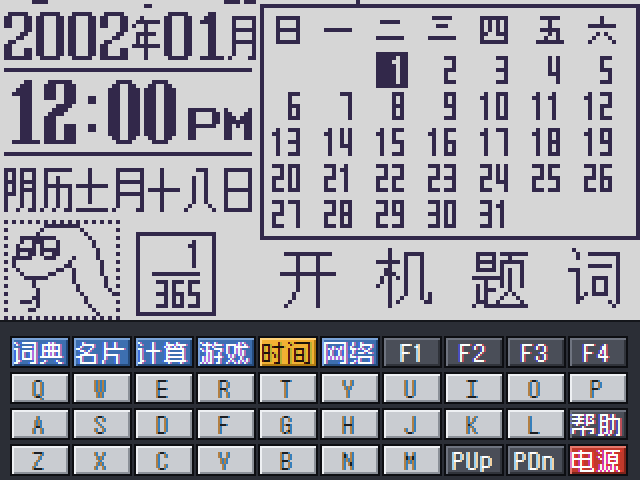
This project adapts the WQX NC1020 emulator for GameShell. It uses hackwaly’s jswqx, packages it with NW.js and supplies a GameShell launcher.
The window fits GameShell’s 320 × 240 screen: the 320 × 160 LCD on top, and below it a virtual keyboard with the NC1020’s keys (dictionary, calculator, games, letters, Page Up/Down, power and more), since GameShell has no keyboard of its own.
- Select opens or closes the virtual keyboard; the D-pad moves through it, and A presses the selected key.
- With the keyboard closed, A is Enter and the D-pad works as the arrow keys.
- B is the AC (clear) key, Start is Caps Lock, and Menu quits.
The repository documents where to place the application and how to adjust the launcher when the GameShell account name differs from the default. My contribution is the handheld integration; the emulator and contributed icon assets retain their original authorship.