Cross-platform desktop, terminal and status-bar lyrics with GUI, CLI/TUI, bilingual karaoke, .NET 10 and Avalonia.
Desktop releases available
- Goal
- Have lyrics available in a desktop window, terminal or status bar across the systems I use.
- What I did
- I built shared .NET functionality for an Avalonia GUI, CLI and TUI, including bilingual karaoke and platform playback integrations.
- Result
- Desktop and CLI/TUI releases are available. The documented 0.4.2 release includes signed and notarized macOS GUI applications.
Why This Exists#
I wanted a lyric tool that worked as a desktop window, in a terminal and in a status bar on Windows, macOS and Linux. OmniLyrics shares a .NET core across an Avalonia GUI, a CLI and a TUI.
Design#
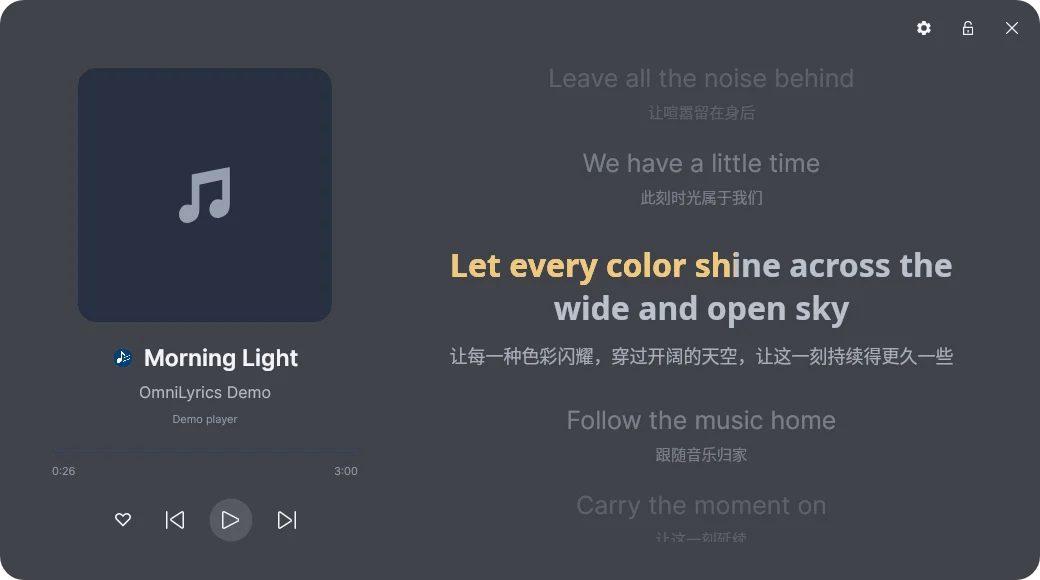
- Five GUI layouts, bilingual karaoke lyrics, shared preferences and queue caching.
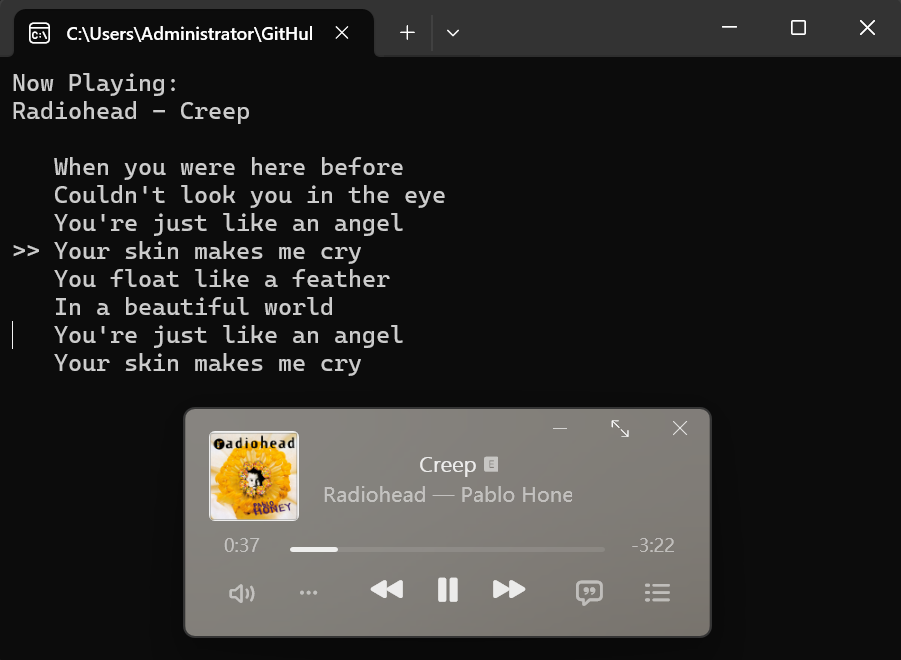
- CLI/TUI interfaces, including single-line and JSON output for status bars and widgets.
- Platform playback integrations, including MPRIS on Linux, SMTC on Windows, and native Apple Music / Spotify integration on macOS.
- Playback control from scripts and keybindings.
- .NET 10 and Avalonia. I was already familiar with Avalonia from earlier projects.
Showcase#
Current Focus layout:
Earlier Windows GUI:

Windows Terminal:
Linux Waybar:

Status#
The current README documents the 0.4.2 release, including signed and notarized macOS GUI applications. GUI and CLI/TUI downloads are separate and share preferences. Portable builds include the .NET runtime.
See the user guide for playback integrations, layouts and settings.
Comments