A Python command-line tool that packages Unity WebGL output into NW.js applications, including a GameShell packaging mode.
Earlier tool project
- Goal
- Package a Unity WebGL export for use in a desktop application or on a GameShell handheld.
- What I did
- I built a Python CLI that prepares the NW.js application folder and exposes window and platform settings.
- Result
- The repository documents the nwunity package and includes Windows and GameShell sample captures.
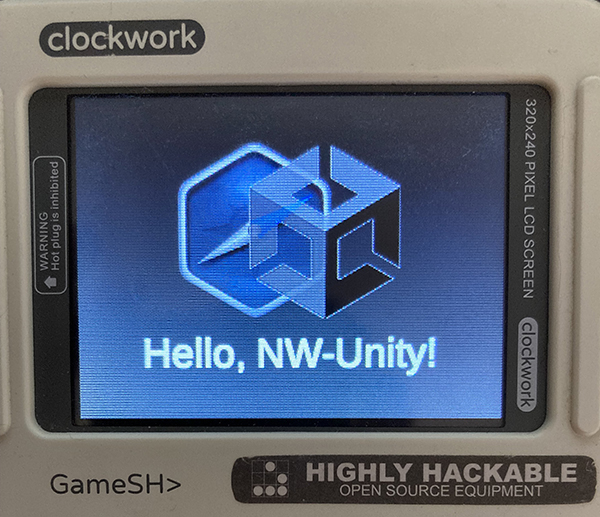
NW-Unity packages an existing Unity WebGL output folder into an NW.js application folder. It is part of my earlier work bringing games and software to GameShell.
Packaging workflow#
The nwunity CLI accepts the WebGL export directory and application name, along with options for window size, fullscreen mode, resizing, icons and platform selection. A dedicated GameShell mode handles that target’s packaging workflow.
The repository README documents installation and example commands. Its Unity, NW.js and GameShell setup notes reflect the versions used for this earlier project.
Handheld demonstration#
The cover is the repository’s GameShell sample photograph. The repository also includes a Windows sample capture and GameShell-specific setup notes.
Comments