This post was translated from the original with AI assistance. Read the original
Originally published on my old cnblogs blog: GameShell魔改大屏攻略 (written 2020-04-09).
Someone has already pulled off this mod and shared the process on GitHub. Here’s the repo: https://github.com/Yvees/GameShellHacking
Sourcing the parts#
Here’s what we need:
- A 3.5-inch screen (320 x 240 or 640 x 480)
- A 6cm 45-pin opposite-side FPC cable
- A PCB adapter board
- FPC connectors * 2: a 0.3mm H1.0 45P flip-lock and a 0.5mm H2.0 54P flip-lock
- A 3D-printed front shell
There are roughly two good choices for the screen. One is Kedake’s 320 x 240, Taobao link
The other is this 640 x 480 from Chenchen Technology, Taobao link
Pick whichever suits you. Make sure you tell the seller you want the 18V series version! The key word is series!
The FPC cable: Taobao link
The PCB adapter board and FPC connectors need to be custom-made and soldered; of course, if you know how to solder, you can buy everything and solder it yourself.
For the PCB I recommend this shop, and here are the links for the two FPC connectors: (1) (2)
For 3D printing, there’s a shop with a student discount you could try, Taobao link
The modding process#
Once you have all the parts, follow these steps:
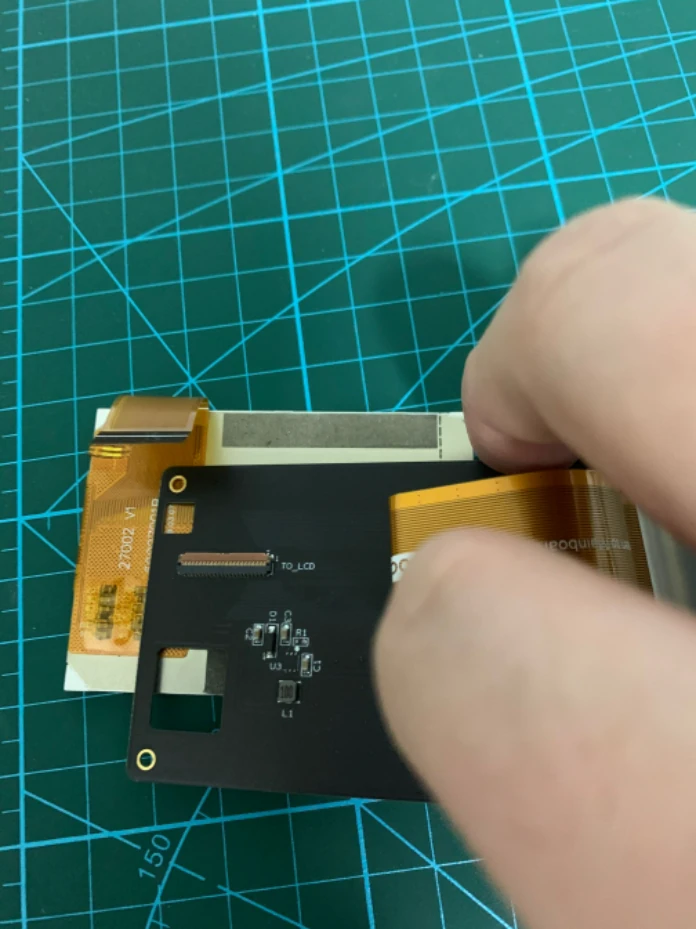
First, separate the original screen from the LCD backboard:
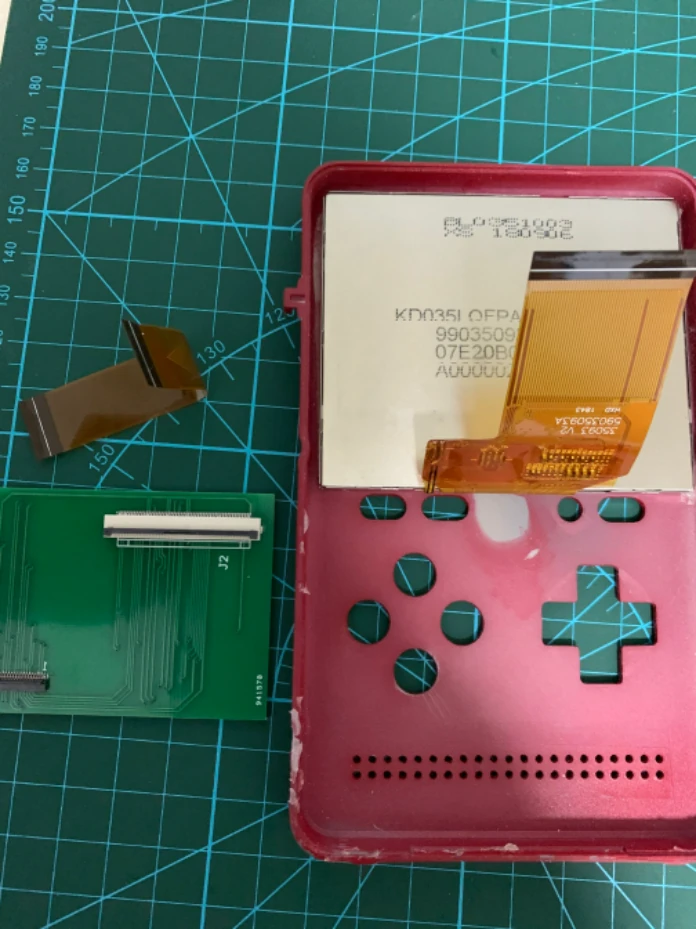
Get the front cover, the adapter board and the 6cm opposite-side 45-pin FPC cable ready:
Connect the ribbon cables:
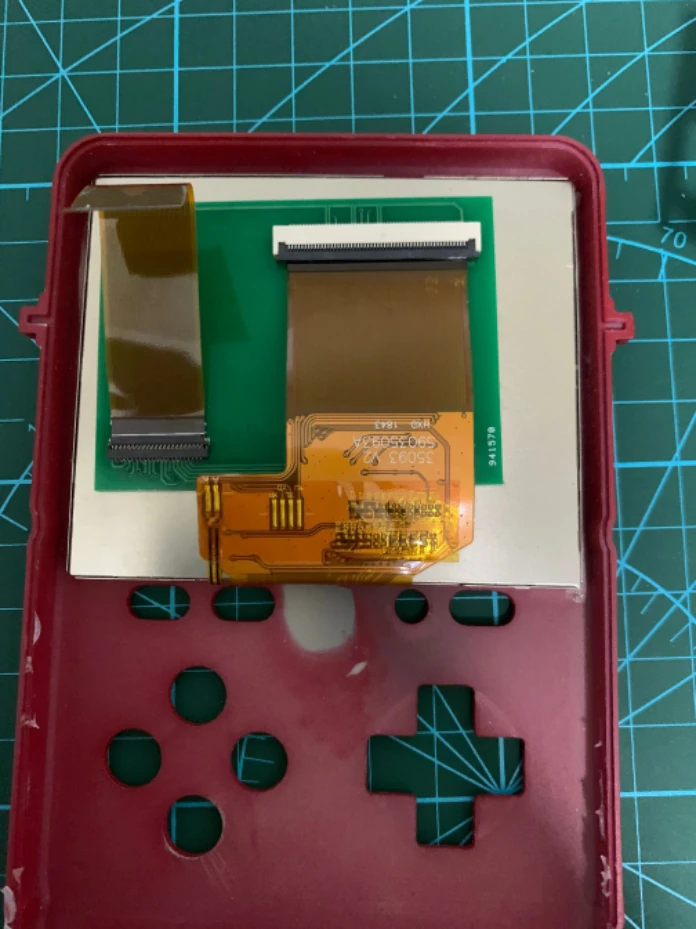
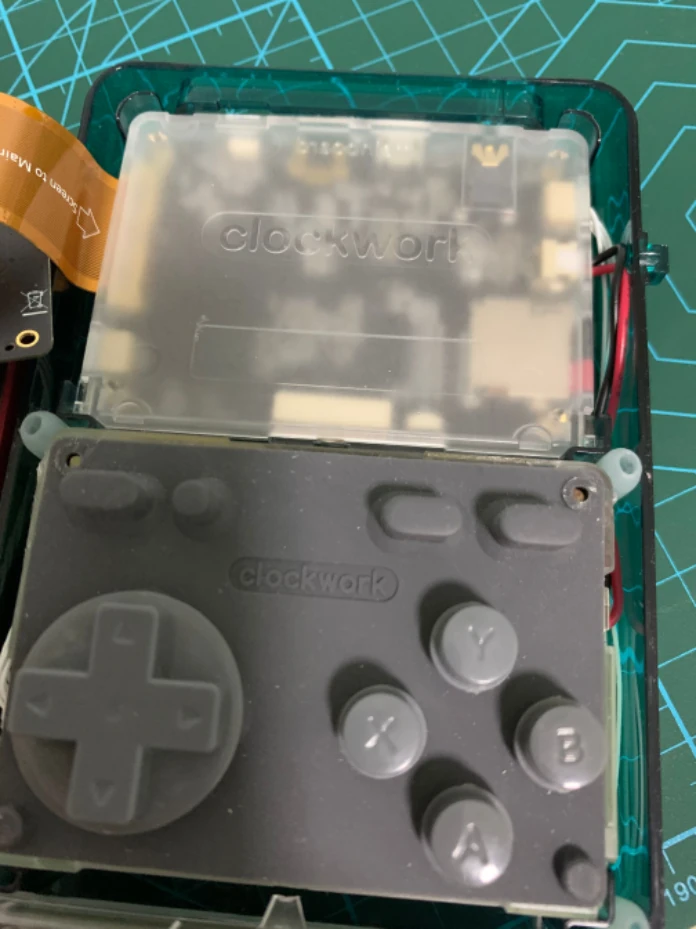
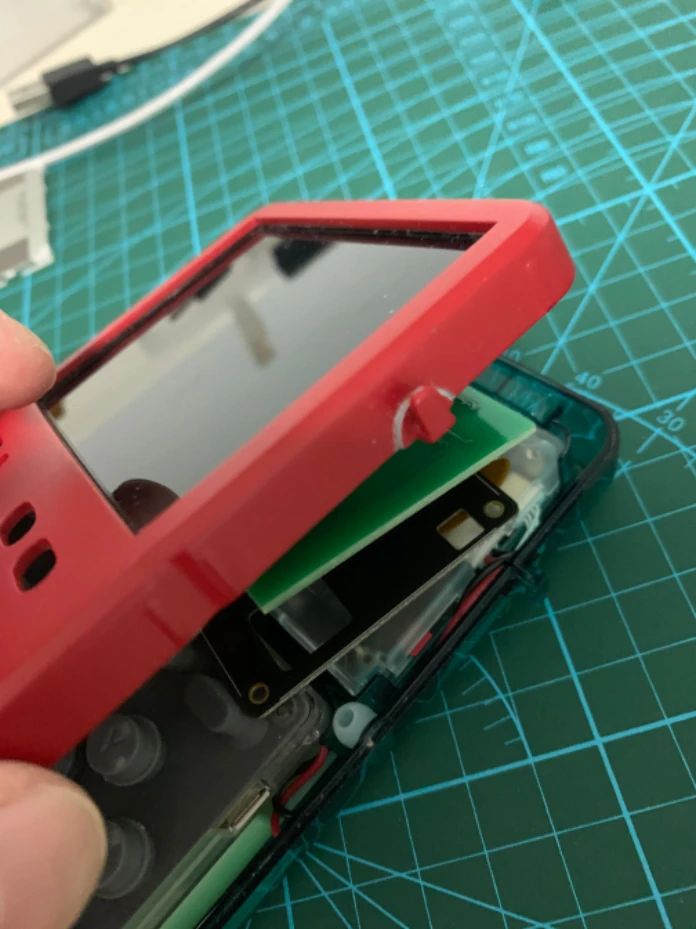
Replace the kernel files [to be updated]:
Assemble the front shell, and you’re done!
If you’re using the 240p screen, you’ll also need to apply an LCD patch.
The STL file for the 3D front shell, the PCB files and the kernel files are all in the group files of our GameShell sharing group. GameShell fans are welcome to join.
Group number: 1041399424
Photos courtesy of 梦中 (Mengzhong), a pro in our group. He’s the one who did the big-screen mod you may have seen on the official forum and Xianyu (not for sale), and this tutorial is the modding process he shared. Huge thanks to him!
2022/05/12 Migrated here from cnblogs.
Comments