This post was translated from the original with AI assistance. Read the original
Reposted from my old CSDN blog: [教程]VC++6.0 的简单使用 (written 2017-12-04); formatting tidied during migration.
Since a lot of classmates can’t get vc++6.0 to work properly, don’t know how to create projects and files, and some run into compile problems, I’m putting together a little tutorial here
Getting the Tools Ready#
First, here are the resources you need. There are just two files: one installer, and one MSDEV.exe used as a replacement. Link: https://pan.baidu.com/s/1nvqrePV Password: wsvd
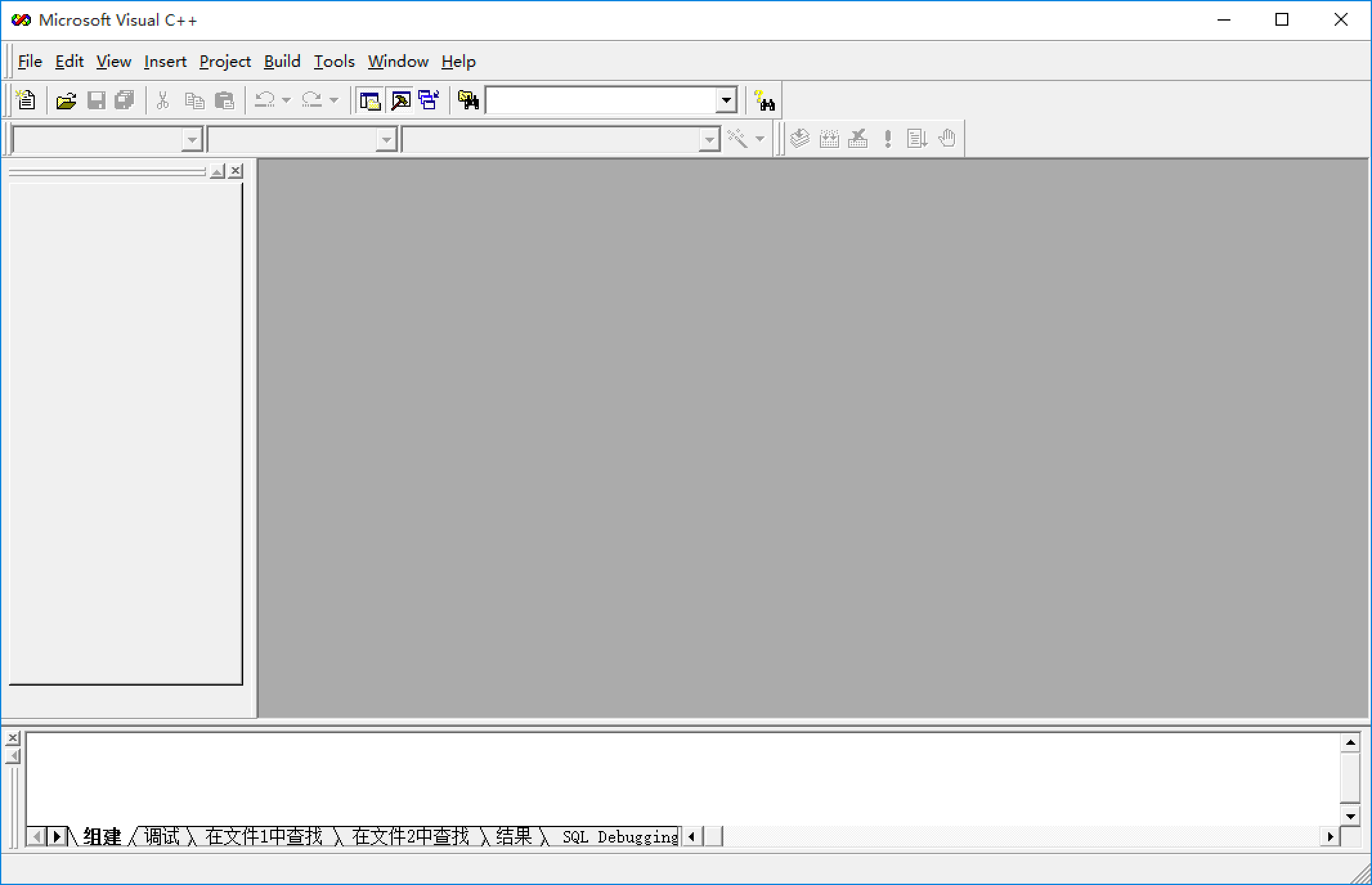
Next, open vc6_cn_full.exe and install vc++6.0. After vc is installed, don’t open it; opening it will only throw errors (it breaks on win8 and win10). Find the shortcut on the desktop, right-click it, click “Open file location”, then drag the downloaded MSDEV.exe in. The computer will ask whether you want to replace the file; just click Yes.
Right-click the desktop shortcut, click “Compatibility”, check “Run this program as an administrator” at the bottom and apply. This avoids some errors later on.
Finally, double-click the desktop shortcut and it should run normally.
Creating a Project and a File#
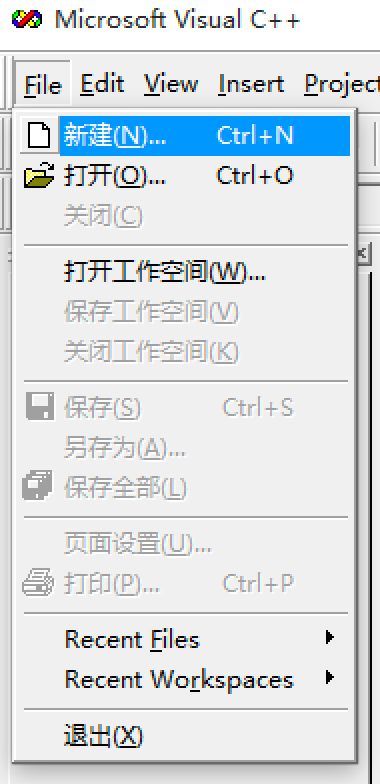
- First, click File->New.
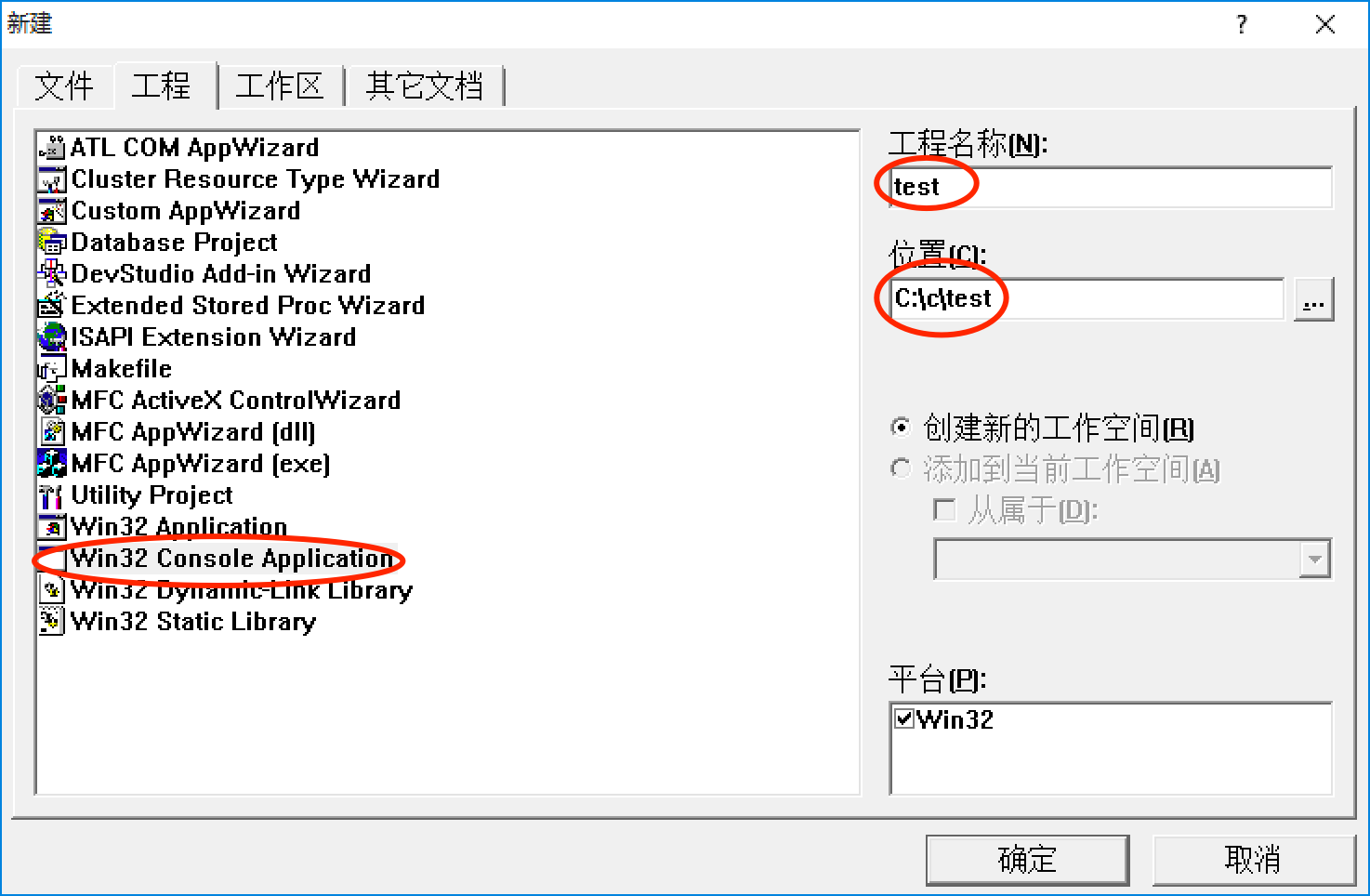
- Since early on we only need console applications, choose Win32 Console Application (a win32 console application, the “little black box”)
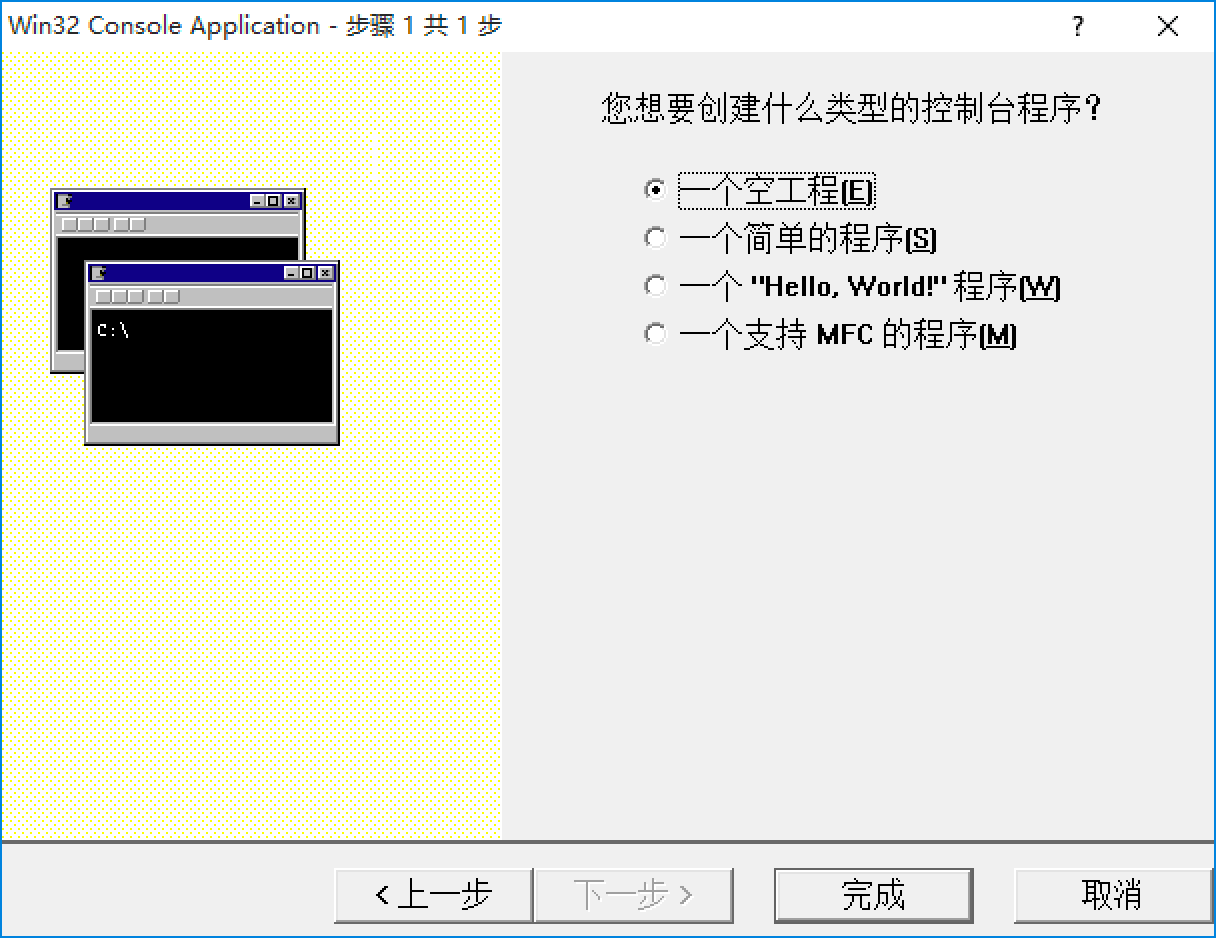
- Choosing an empty project is better for learning things yourself
- Then create a new C++ Source File
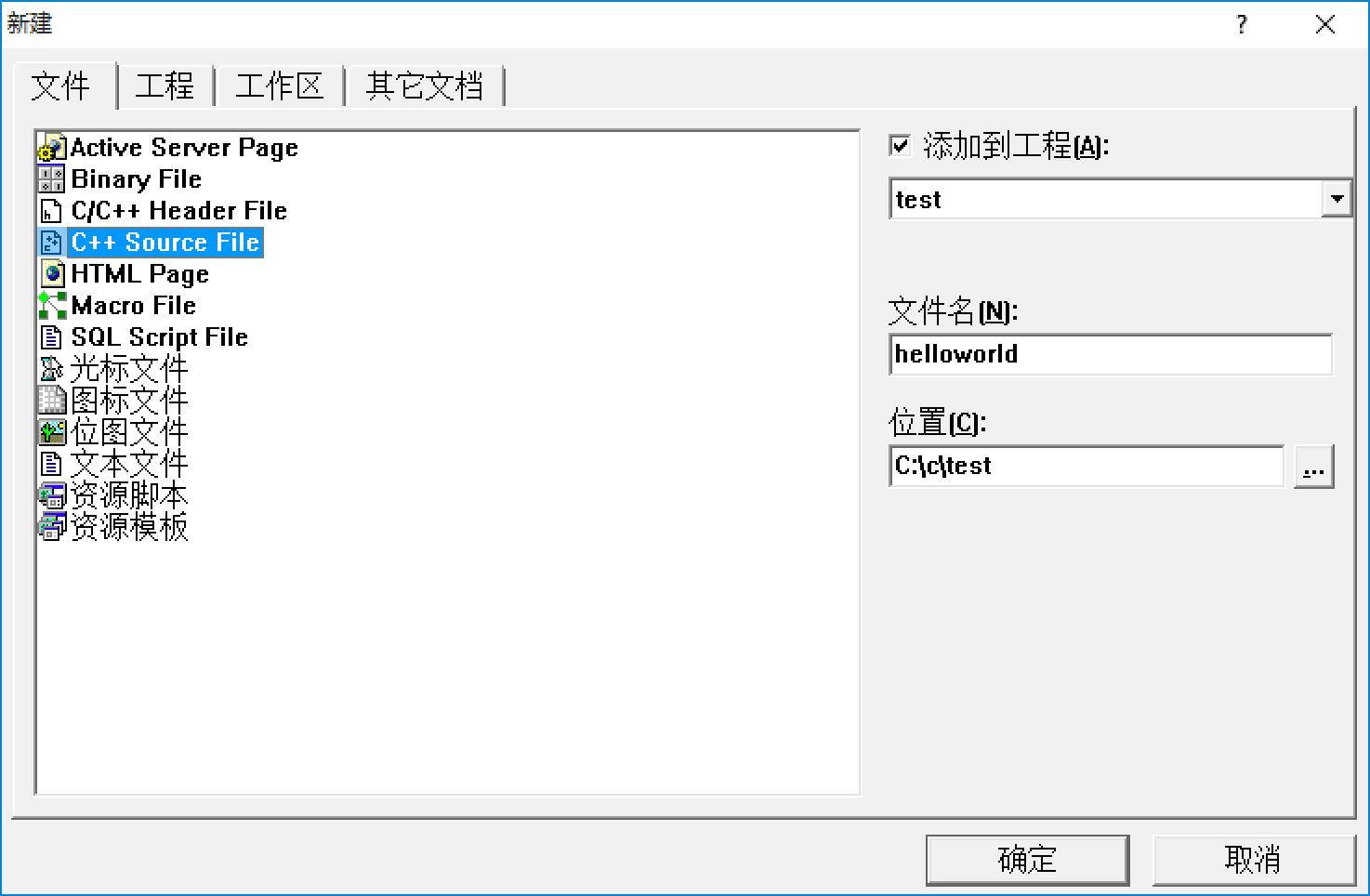
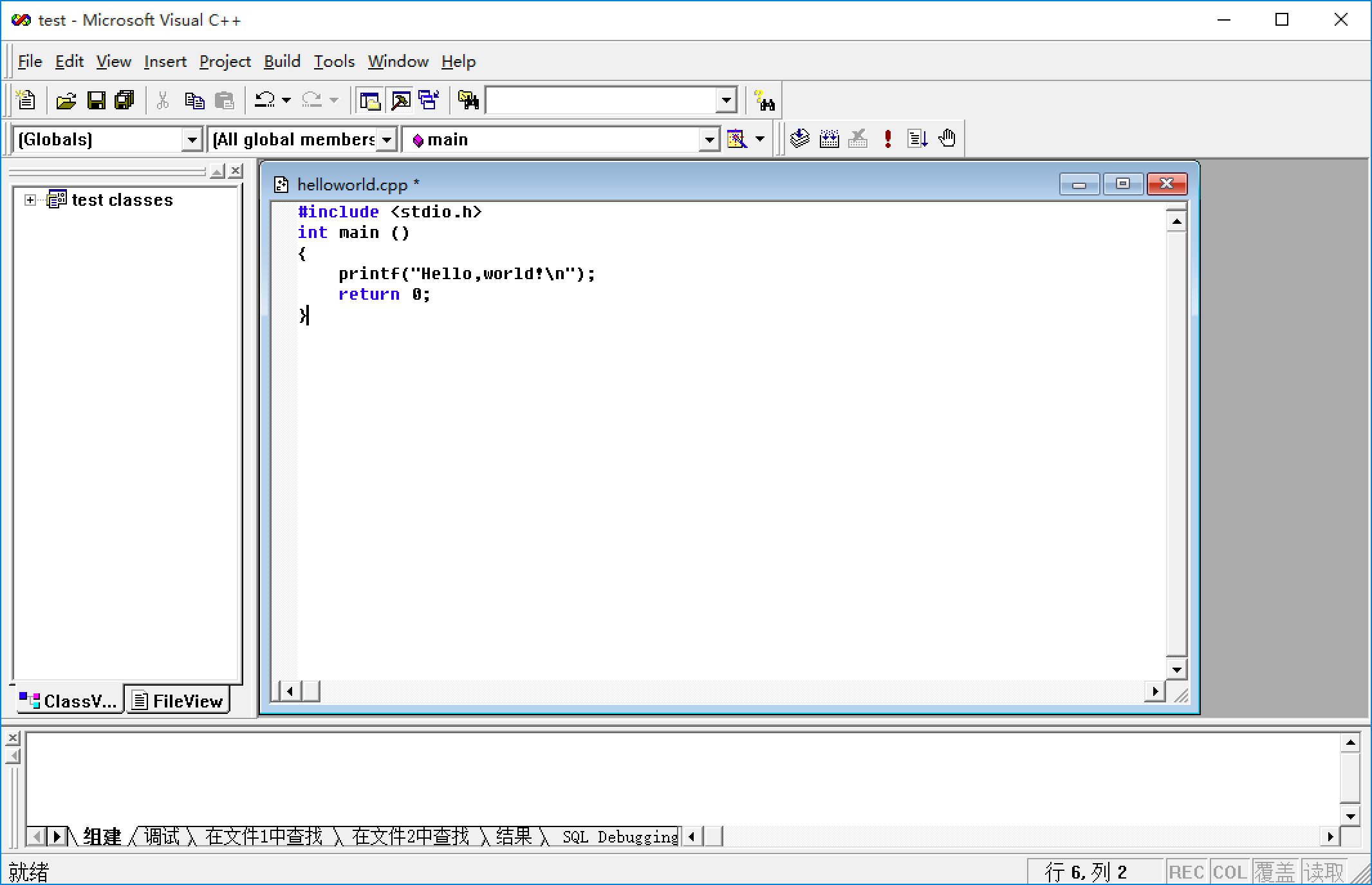
- Type in your code
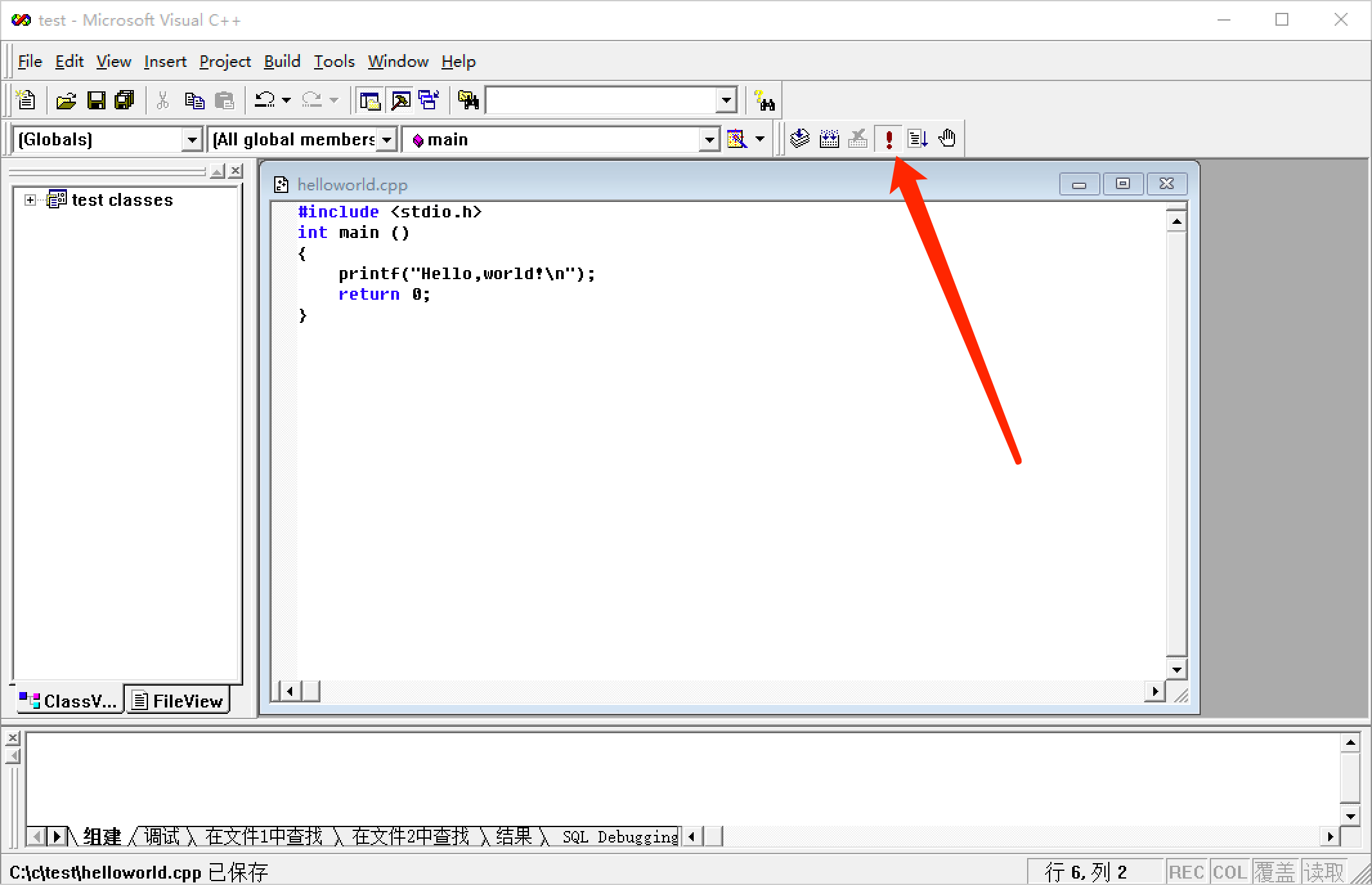
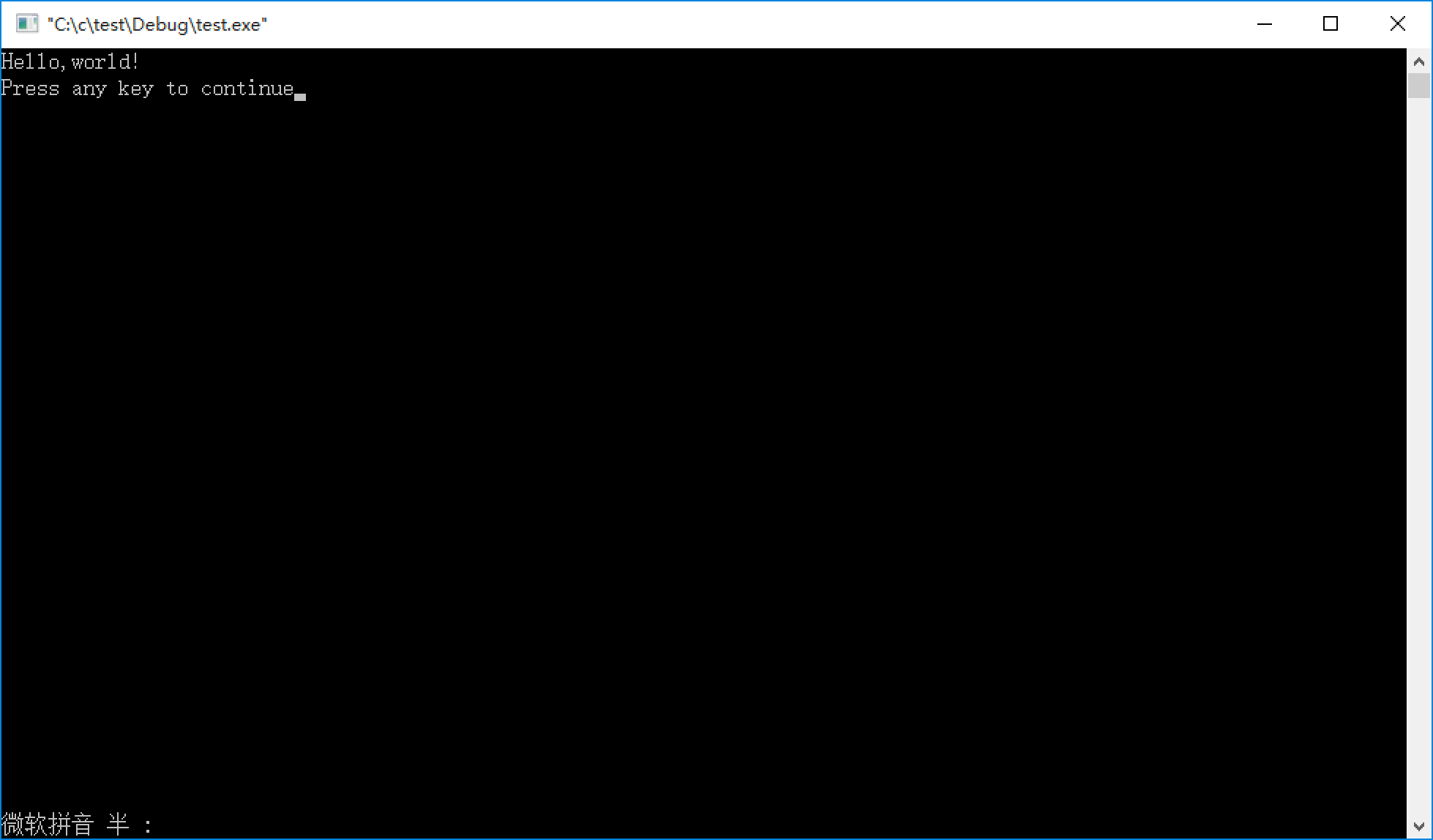
- Click the red exclamation mark or press the shortcut key to compile, link, and run in one go
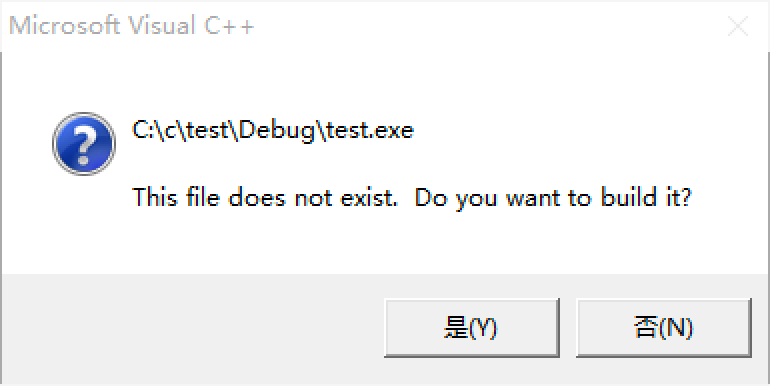
- It runs successfully
Common Little Problems (Updated Occasionally)#
can not open file debug/*.exe
Problem: an error occurs while running Link.exe; it’s mainly because the computer doesn’t have enough permissions.
Solution: right-click the vc shortcut on the desktop, click “Compatibility”, check “Run this program as an administrator” and apply
If it won’t run no matter what, then your workspace was created in vc’s default MyProjects workspace, which causes lots of problems. So when you create a workspace, be sure to pick a folder of your own, preferably one without Chinese characters in the path.
Takeaways#
If it isn’t a problem with your code, searching the error message on Baidu will usually solve it
Honestly, I don’t recommend vc. I’d recommend a good editor like Sublime Text 3 or Notepad++ paired with compilers like GCC and the JDK; it’s lighter and faster than an IDE.
Comments